 ES
ES RU
RU DE
DE PL
PL IT
IT TR
TR FR
FR BR
BR NL
NL CN
CN CZ
CZ UA
UA HU
HU SE
SE Unlimited Downloads
  Sale
Sale 


















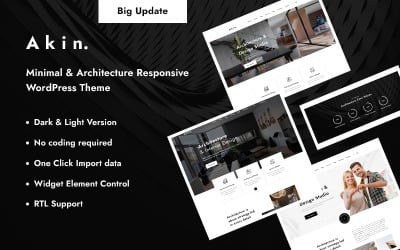

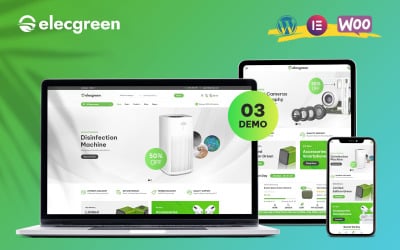


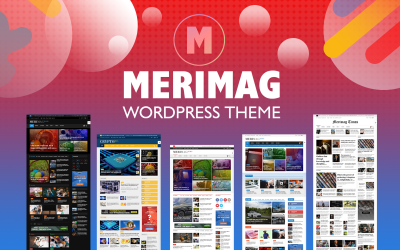






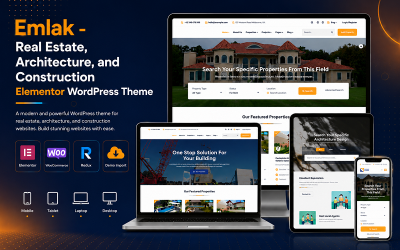
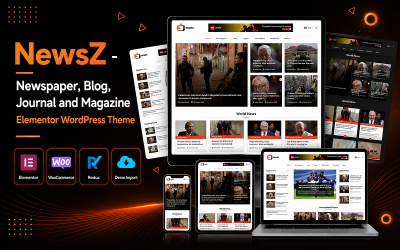



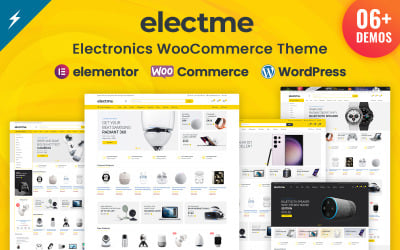

5 Best WordPress Store 2026
| Template Name | Downloads | Price |
|---|---|---|
| Hazel - Clean Minimalist Multi-Purpose WordPress Theme | 4,066 | $89 |
| Consalt - Consulting Responsive WordPress Theme | 218 | $49 |
| Monstroid2 - Clean Multipurpose Business Consulting & IT Technology WordPress Elementor Theme | 14,676 | $59 |
| Techno – IT Solutions, AI Technology & SaaS Startup WordPress Theme | 2,005 | $79 |
| Poket - Business And Multipurpose Responsive WordPress Theme | 1,310 | $26 |
Best WordPress Ecommerce Themes Unlimited Download with MonsterONE
WordPress Store Themes FAQ
What is a WordPress theme?
A WordPress theme is a group of files (sheets, code, graphics, and so on) that define the overall appearance of your website. A theme offers design consistency (same colors, shapes, and styles) throughout your website.
What is the difference between WordPress theme and template?
The major difference is that a WordPress theme affects the design of your overall website, while a template impacts only the layout and style of a single page of your website.
What is the best theme builder for WordPress?
Elementor is one of the best and most used theme page builders for WordPress. It offers a wide range of tools and extensions to create and edit your website in the best way possible. It is free for personal use, and it also offers a paid version for more complex editing or creations.
How do I install a WordPress theme?
If you want to install or import a WordPress theme, follow these simple steps:
- access the WordPress dashboard;
- on the left-hand menu, click on Appearance and then Themes;
- click Add New at the top of the page;
- choose the theme;
- install it.
How to customize a WordPress theme?
If you’d like to edit your theme on WordPress, follow these three steps:
- Access the WordPress dashboard;
- Go to Appearance, and click on Themes;
- Click on Customize, and start editing.